Features
A shop management system from the till to the books
UruPOS is a shop management system in twelve parts. Start with selling, M-Pesa and stock, then switch on purchasing, customer invoicing and branches when you need them.
Modules
Twelve modules, one login
Each module has its own page with the details that matter at the counter and in the back office.
-
 Sell
Point of sale
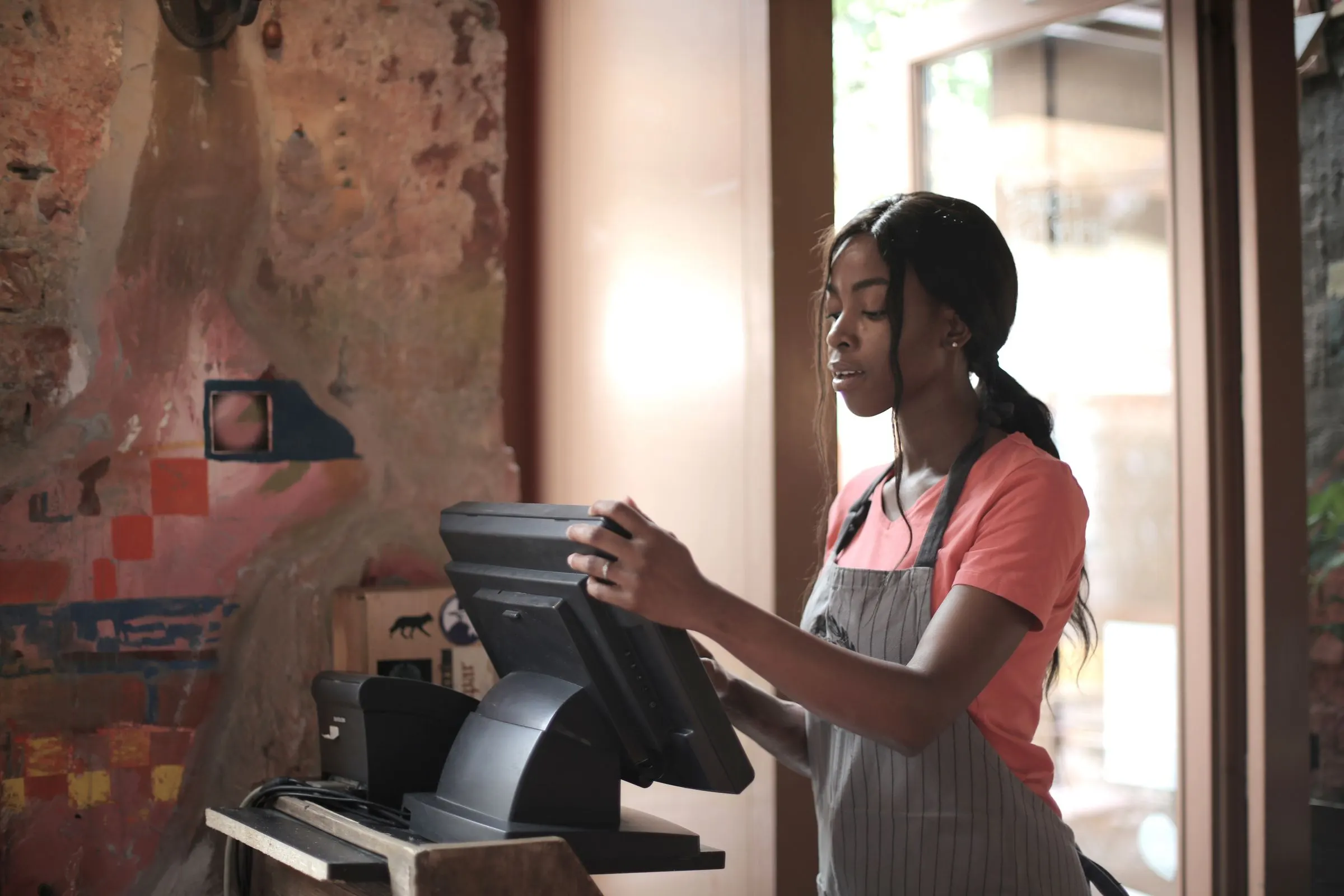
Find any item by name, SKU or barcode, apply a discount, take payment and print a receipt with your KRA PIN. The UruPOS point of sale system keeps selling when the internet drops and syncs when it is back.
-
 Payments
M-Pesa & payments
Send an M-Pesa STK push to the customer's phone from the till and the payment is matched to the sale automatically. UruPOS is an M-Pesa POS that records cash, paybill, till and bank payments on the same receipt.
-
 Cash control
Shift management
Open each shift with a float, count the cash at close and see expected, actual and variance side by side. UruPOS shift management asks for a reason for every variance and sends it to you for approval.
-
 Returns
Sales returns
Record sales returns against the original sale, put the item back into stock and refund through the right payment method. Every return is tied to a cashier and a shift, so returns can't become a quiet way to take cash.
-
 Stock
Inventory management
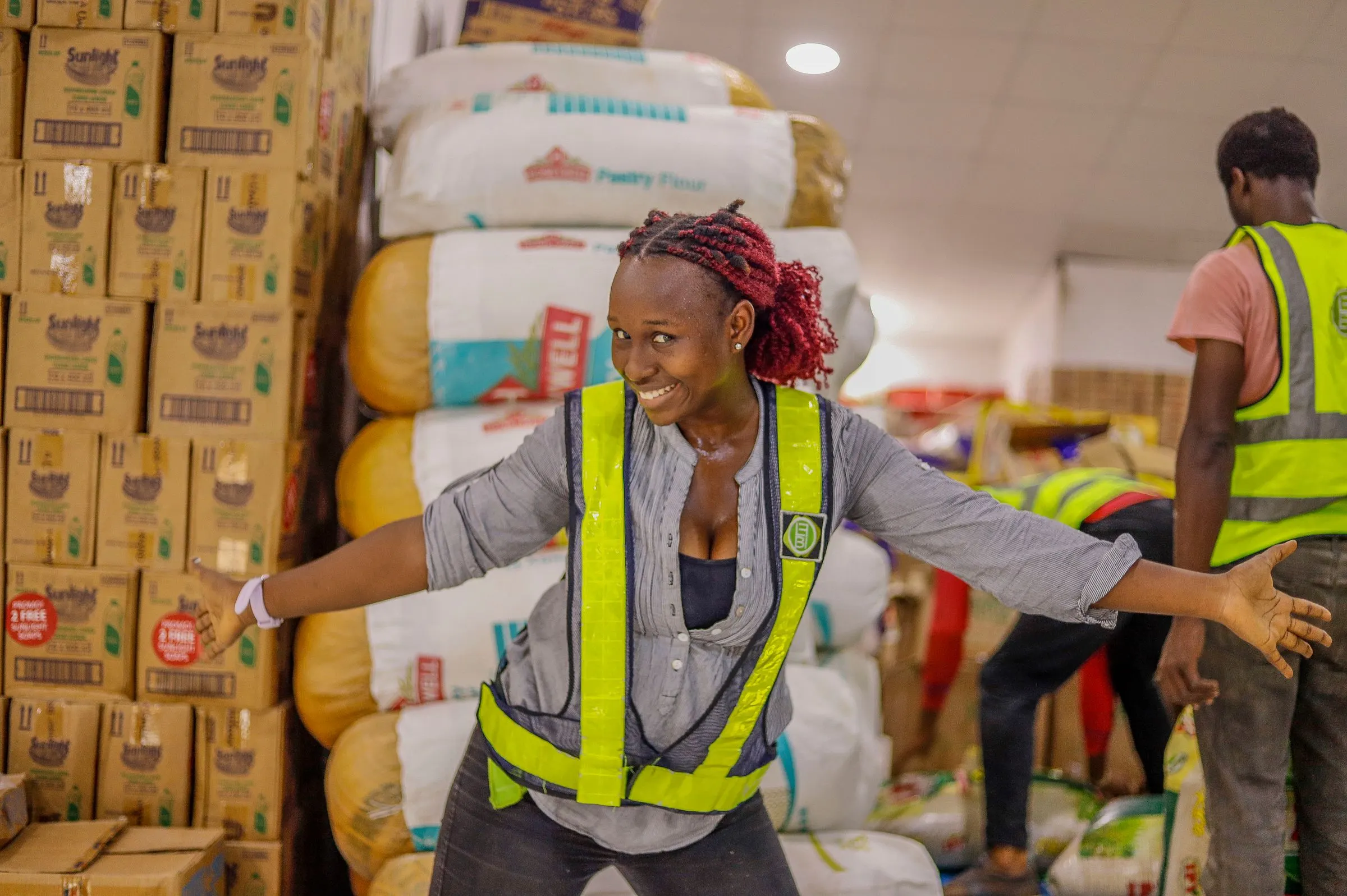
Know what you have, what it cost and what it sells for. The UruPOS inventory management system tracks buying and selling prices, margins, batches and expiry dates, low stock, stock takes and transfers between branches.
-
 Purchasing
 & suppliers
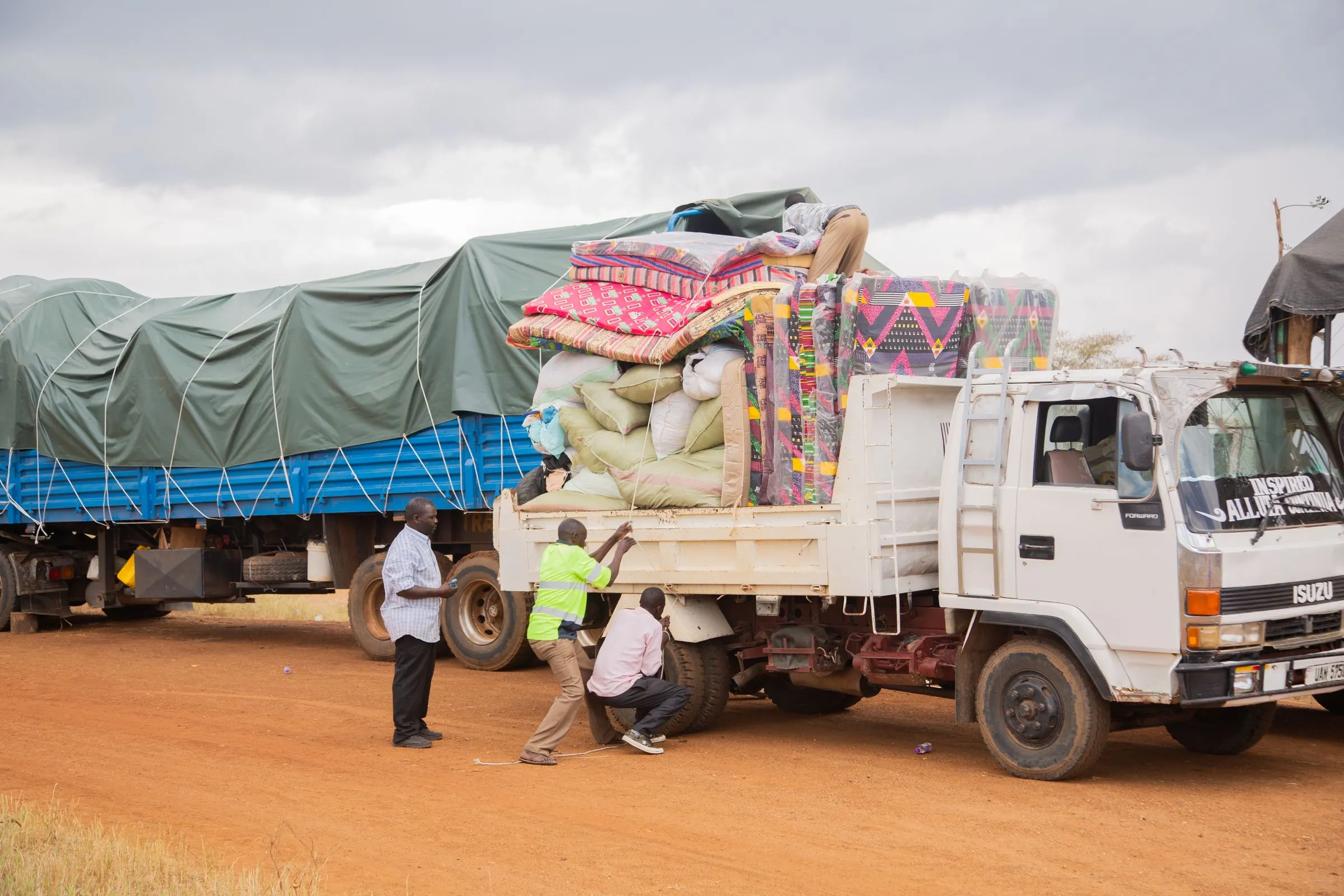
Raise LPOs, receive goods (including partial deliveries), record supplier bills and payments and print supplier statements. UruPOS purchasing and supplier management keeps what you ordered, received and owe in one place.
-
 Invoicing
Customer invoicing
Turn a quotation into an invoice and a delivery note, record payments as they come in and send statements with aging. UruPOS customer invoicing is built for businesses that sell to schools, contractors and other businesses on credit.
-
 Expenses
Expense tracking
Record rent, transport, electricity, wages and every other cost as it happens, by category and branch. Expense tracking in UruPOS feeds the Profit and Loss report, so the profit you see is what is actually left.
-
 Reports
See sales by payment mode, shifts, stock and Profit and Loss for any day, month or branch, and export to PDF or Excel. UruPOS business reports answer the questions an owner asks without opening a spreadsheet.
-
 Documents
Branded documents
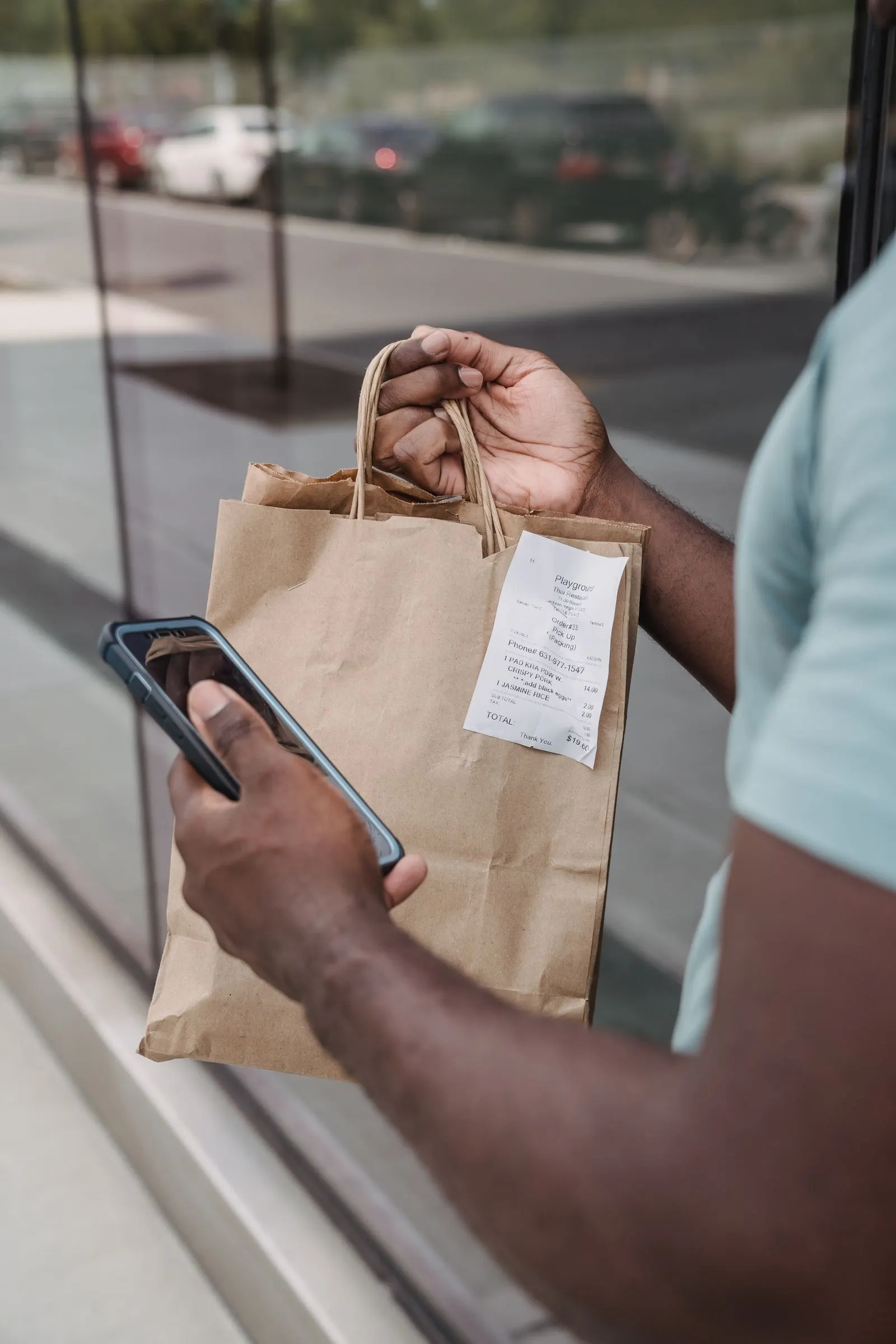
Add your logo, header, footer and signature once and every receipt, quotation, invoice, delivery note and LPO carries them. Branded receipts and documents make a small business look established.
-
 Branches
Multi-branch
Run every shop from one account. The UruPOS multi-branch POS gives each branch its own stock, tills and shifts, and gives you a consolidated dashboard to see sales, stock and profit for all of them without being there.
-
 Access
Roles & permissions
Give every staff member their own login and only the access their job needs. UruPOS user roles and permissions start with owner and cashier, and you can create roles like manager with the permissions matrix.
On every plan
Works the way Kenyan shops work
-
Phone, tablet or desktop
Runs in the web browser on the devices you already have.
-
Offline at the till
Sales are stored on the device and sync when you are back online.
-
M-Pesa built in
STK push from the till, plus paybill, till, cash and bank.
-
PDF and Excel
Export reports for your accountant, your bank or your records.
How it works
Go live in 3 days
We do the setup with you. Your shop keeps trading while we move you across.
-
Day 1
Demo & setup
We show UruPOS with products like yours, then set up your account, branches, payment methods, receipts and staff logins.
-
Day 2
Stock & data import
Send your product list in Excel. We import products, prices, opening stock, suppliers and customers.
-
Day 3
Training & go live
Cashiers learn the sales screen and shifts; owners and managers learn stock and reports. Then you start selling.
-
After
Ongoing support
Phone and WhatsApp support when you need it, and more training when you hire new staff.
Free demo
See every module with products like yours
A short walkthrough with products like yours, on a call or at your shop. Book online, call or WhatsApp us and we will set a time that suits you.