Access
User roles and permissions for owners, managers and cashiers
Give every staff member their own login and only the access their job needs. UruPOS user roles and permissions start with owner and cashier, and you can create roles like manager with the permissions matrix.
Available on Pro · see pricing
The problem
What goes wrong without it
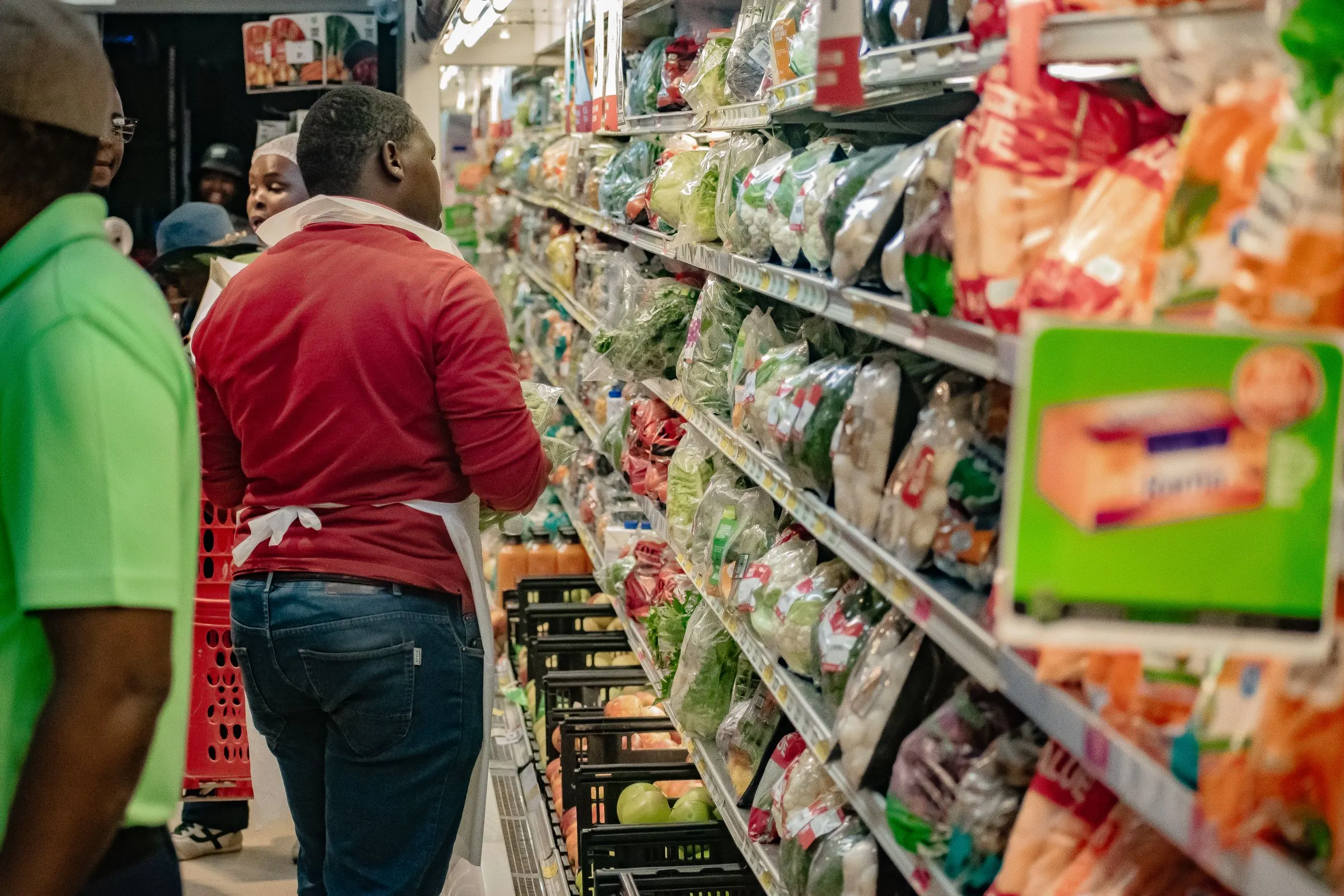
When everyone shares one login, nobody is accountable. A cashier who can edit prices, delete sales or adjust stock can make losses disappear, and you have no way to tell who did what.
How UruPOS handles it
Everyone has their own login
Each staff member signs in with their own account, so every sale, discount, return and stock change is recorded against the person who made it.
Built-in owner and cashier roles
The owner or admin sees everything. Cashiers get the sales screen and their own shift, with no access to stock adjustments, costs or reports.
Custom roles with the permissions matrix
Create roles that fit your business, such as a manager who can receive stock and approve variances but not change prices. Tick the permissions for each role in a simple matrix and assign staff to it.
Access by branch
In a multi-branch business, staff only see the branches they are assigned to.
Key capabilities
What you can do with Roles & permissions
-
Individual logins
Every action recorded against the person who made it.
-
Owner and cashier roles
Ready to use from day one.
-
Custom roles
Manager, storekeeper or any role your business needs.
-
Permissions matrix
Tick exactly what each role can see and do.
-
Branch access
Staff see only their own branches.
Related features
Works well with
-
 Cash control
Shift management
Open each shift with a float, count the cash at close and see expected, actual and variance side by side. UruPOS shift management asks for a reason for every variance and sends it to you for approval.
-
 Branches
Multi-branch
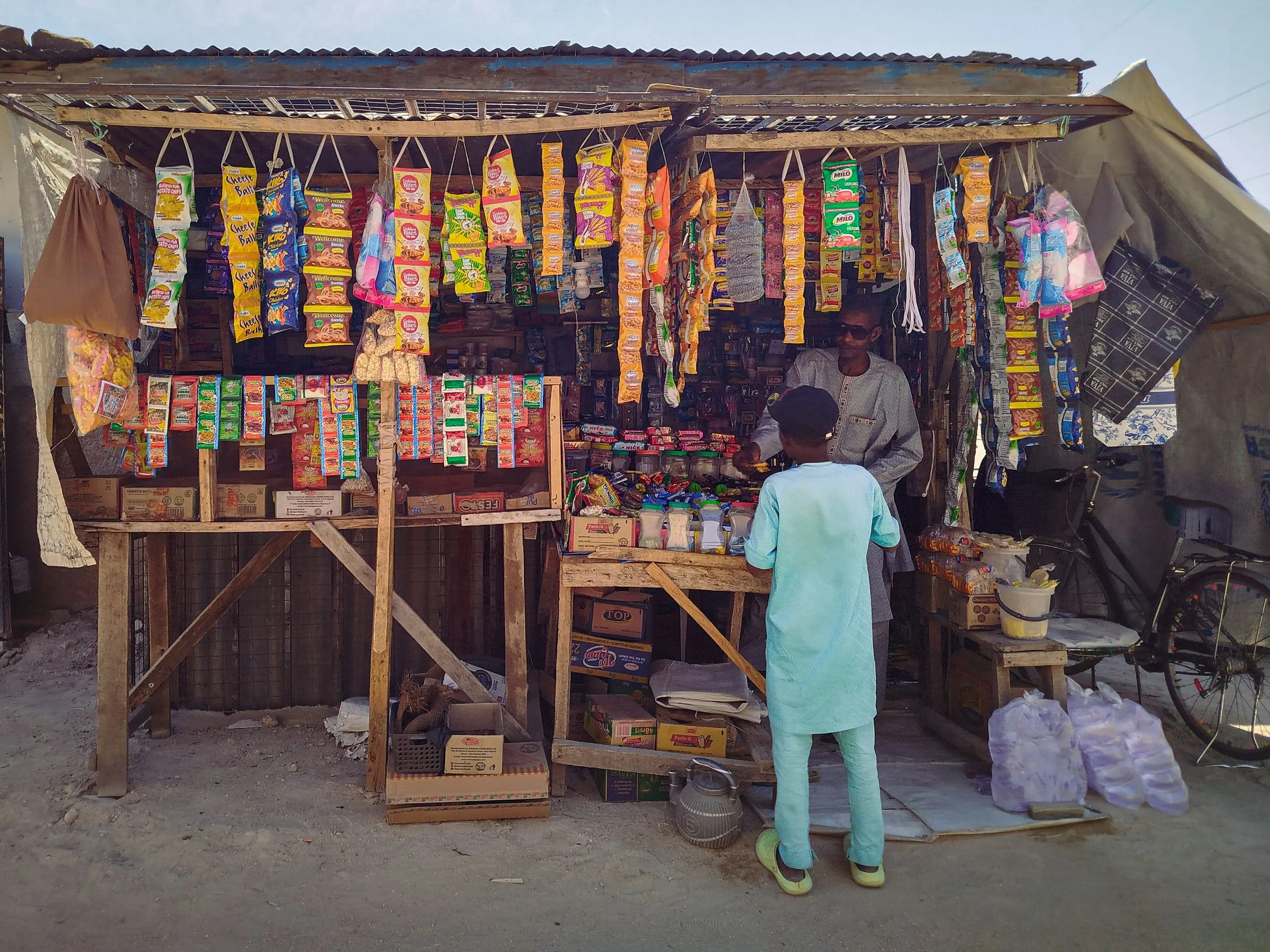
Run every shop from one account. The UruPOS multi-branch POS gives each branch its own stock, tills and shifts, and gives you a consolidated dashboard to see sales, stock and profit for all of them without being there.
-
 Sell
Point of sale
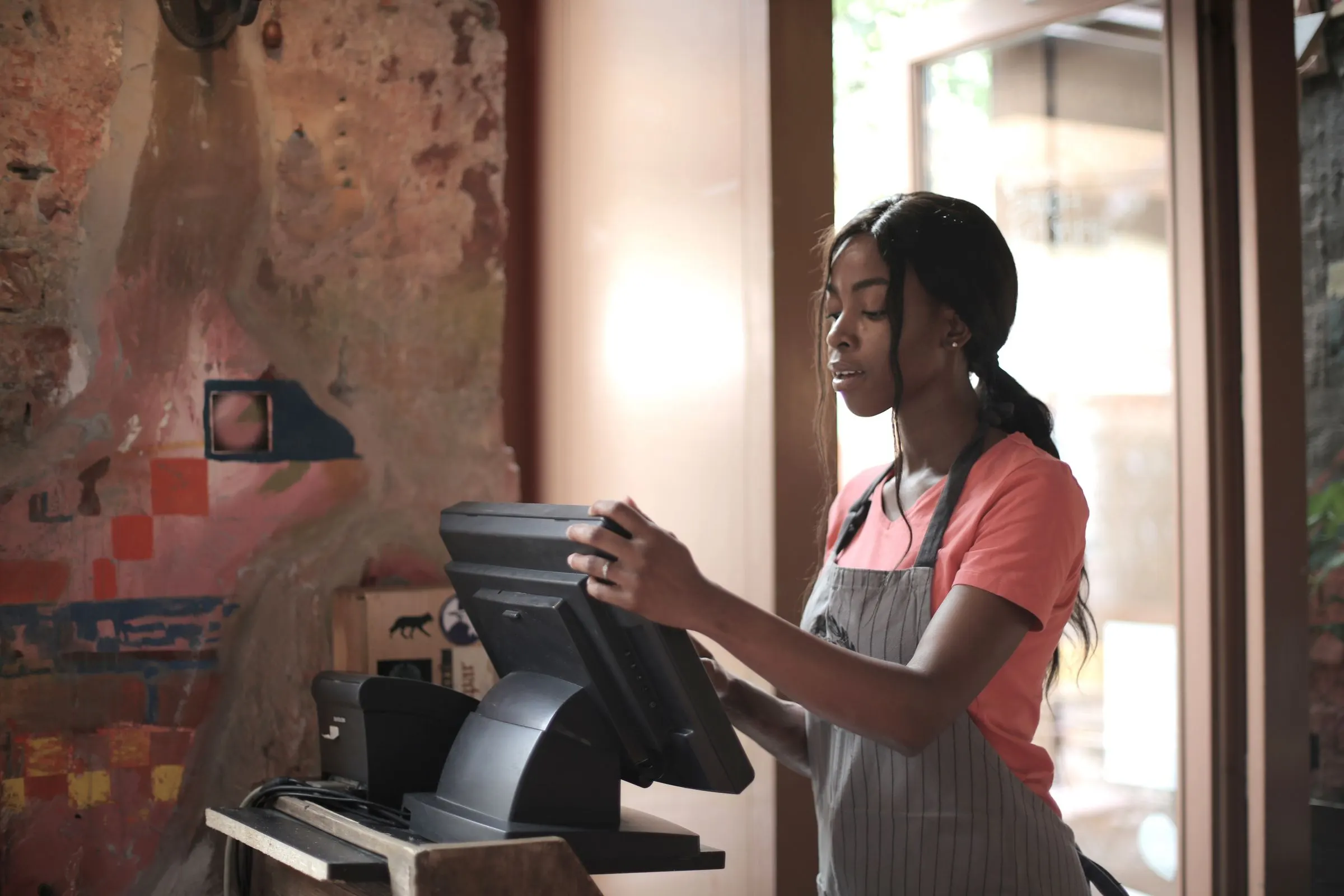
Find any item by name, SKU or barcode, apply a discount, take payment and print a receipt with your KRA PIN. The UruPOS point of sale system keeps selling when the internet drops and syncs when it is back.
Who uses roles & permissions
Free demo
See roles & permissions running with products like yours
A short walkthrough with products like yours, on a call or at your shop. Book online, call or WhatsApp us and we will set a time that suits you.