POS & business management for Kenyan businesses
A POS system that stops stock loss and shows your real profit
UruPOS is a POS system for Kenyan shops that grows into a full back office. Sell fast with M-Pesa, control stock and cash at every till, then add purchasing, invoicing and branches as you grow.
- M-Pesa STK push, reconciled automatically
- Keeps selling when the internet drops
- Live in 3 days, with training

Sound familiar?
What owners tell us keeps them up at night
None of these is a people problem. They happen when the till, the stock and the books live in different places.
-
Stock goes missing
The stock take finds a gap and expired goods at the back of the shelf, and nobody can say when it happened.
-
The till is short
At closing the cash doesn't match, and there is no record of who was serving or what went wrong.
-
M-Pesa matched by hand
Someone scrolls through messages at night to work out which payment belongs to which sale.
-
Sales, but no profit figure
You know what came in. You don't know what is left after buying prices, rent and transport.
Features
Everything from the till to the books
Start with selling and stock. Add purchasing, customer invoicing and branches when you are ready.
-
 Sell
Point of sale
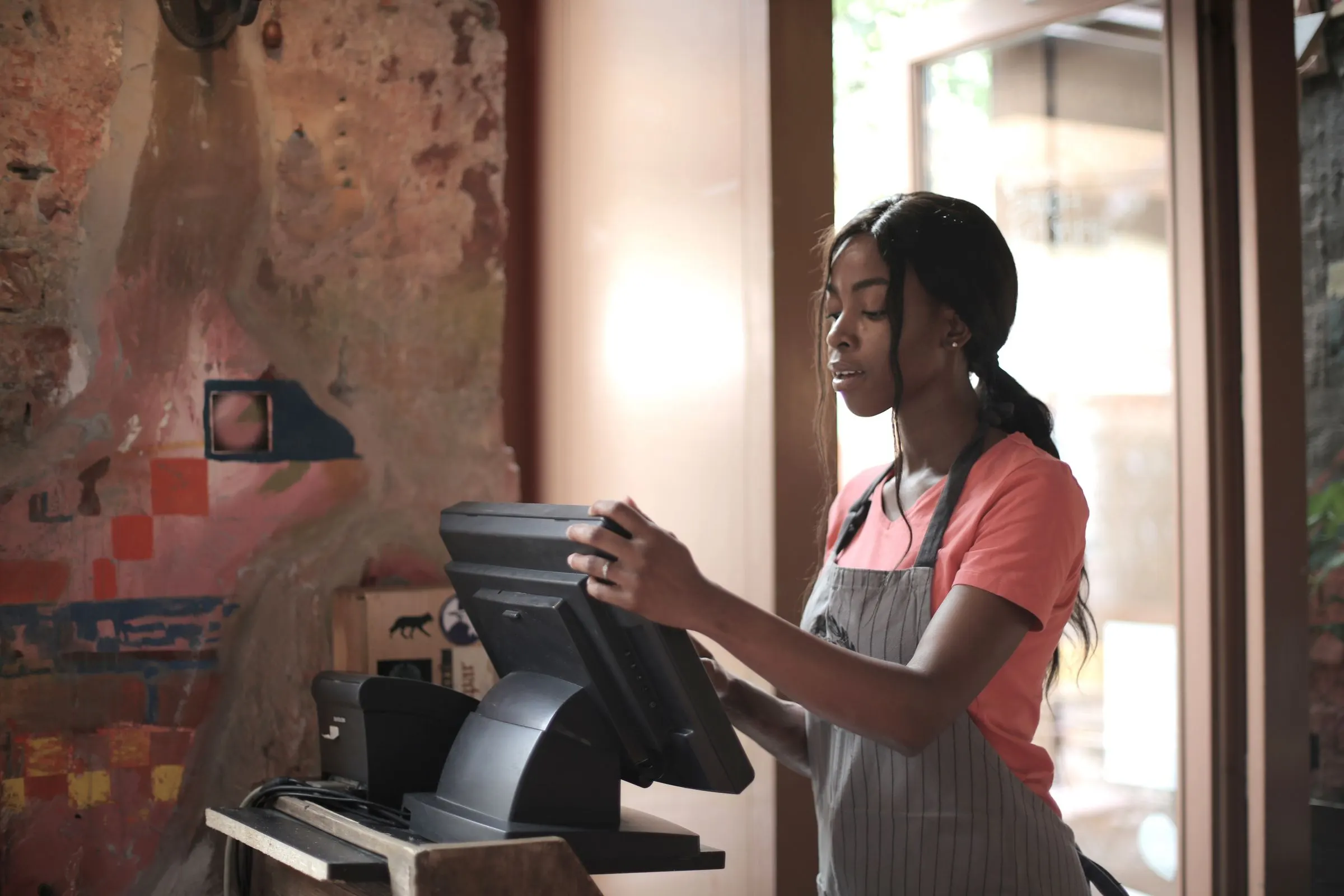
Find any item by name, SKU or barcode, apply a discount, take payment and print a receipt with your KRA PIN. The UruPOS point of sale system keeps selling when the internet drops and syncs when it is back.
-
 Payments
M-Pesa & payments
Send an M-Pesa STK push to the customer's phone from the till and the payment is matched to the sale automatically. UruPOS is an M-Pesa POS that records cash, paybill, till and bank payments on the same receipt.
-
 Stock
Inventory management
Know what you have, what it cost and what it sells for. The UruPOS inventory management system tracks buying and selling prices, margins, batches and expiry dates, low stock, stock takes and transfers between branches.
-
 Purchasing
 & suppliers
Raise LPOs, receive goods (including partial deliveries), record supplier bills and payments and print supplier statements. UruPOS purchasing and supplier management keeps what you ordered, received and owe in one place.
-
 Invoicing
Customer invoicing
Turn a quotation into an invoice and a delivery note, record payments as they come in and send statements with aging. UruPOS customer invoicing is built for businesses that sell to schools, contractors and other businesses on credit.
-
 Reports
See sales by payment mode, shifts, stock and Profit and Loss for any day, month or branch, and export to PDF or Excel. UruPOS business reports answer the questions an owner asks without opening a spreadsheet.
Built for trading in Kenya
M-Pesa at the till. Selling, even offline.
-
M-Pesa STK push
Send a payment prompt to the customer's phone. When it is approved, the sale is marked paid with its M-Pesa reference.
How M-Pesa works -
Works offline
If the internet drops, the till keeps selling and the sales sync when the connection is back.
The sales screen -
Receipts with your KRA PIN
80mm receipts with your logo, business details and KRA PIN, on any thermal printer.
Branded documents
Who it's for
Made for businesses that sell from stock
How it works
Go live in 3 days
We do the setup with you. Your shop keeps trading while we move you across.
-
Day 1
Demo & setup
We show UruPOS with products like yours, then set up your account, branches, payment methods, receipts and staff logins.
-
Day 2
Stock & data import
Send your product list in Excel. We import products, prices, opening stock, suppliers and customers.
-
Day 3
Training & go live
Cashiers learn the sales screen and shifts; owners and managers learn stock and reports. Then you start selling.
-
After
Ongoing support
Phone and WhatsApp support when you need it, and more training when you hire new staff.
Pricing
Simple monthly plans in KES
Every plan includes setup, stock import, training and support. Upgrade when you add suppliers, credit customers or a branch.
-
One shop
Lite
For a single shop that wants fast selling and stock it can trust
Book a free demoKES 2,000/ month
- Point of sale with M-Pesa STK push
- Shifts with cash variance
- Inventory, batches & expiry alerts
- Expenses and Profit & Loss
-
Most popular
Regular
For businesses that buy from suppliers and sell to other businesses
Book a free demoKES 5,000/ month
- Everything in Lite
- Suppliers, LPOs & goods received
- Quotations, invoices & delivery notes
- Customer statements with aging
- Product bundles
-
Several branches
Pro
For owners running more than one shop
Book a free demoKES 10,000/ month
- Everything in Regular
- Multiple branches
- Consolidated dashboard
- Branch stock transfers
- Custom roles & permissions matrix
How much does UruPOS cost?
Lite is KES 2,000 a month, Regular is KES 5,000 a month and Pro is KES 10,000 a month. Lite covers selling, M-Pesa, shifts, returns, stock, expenses and reports for one shop. Regular adds purchasing and customer invoicing. Pro adds multiple branches and custom roles.
How does M-Pesa work in UruPOS?
At checkout the cashier sends an M-Pesa STK push to the customer's phone. The customer enters their PIN, and when Safaricom confirms the payment the sale is marked paid with its M-Pesa reference. No reading messages off customers' phones, and no matching payments by hand at night.
Does UruPOS work without internet?
Yes, at the till. If the connection drops, the sales screen keeps working and stores sales on the device. When the internet is back the sales sync to your account, and stock and reports catch up. The back office (stock, purchasing, reports) needs a connection.
How long does it take to go live?
About three days. Day 1 is the demo and account setup. Day 2 is importing your stock and data from Excel. Day 3 is training your staff and going live. After that you have ongoing support.
Can I import my products from Excel?
Yes. Send your product list with names, prices and quantities, or import it yourself from Excel. We help you do this on day two of setup.
Free demo
See UruPOS running with your own products
Book a free demo and we will show you UruPOS with products like yours. Prefer to chat first? WhatsApp us and we reply during business hours.