Payments
M-Pesa POS payments that reconcile themselves
Send an M-Pesa STK push to the customer's phone from the till and the payment is matched to the sale automatically. UruPOS is an M-Pesa POS that records cash, paybill, till and bank payments on the same receipt.
Available on Lite, Regular and Pro · see pricing

The problem
What goes wrong without it
Matching M-Pesa messages to sales by hand is slow and easy to get wrong. A customer shows a message on their phone, the cashier glances at it, and at night someone scrolls through the statement trying to work out which payment belongs to which sale. Fake or reused messages slip through, and short payments are only noticed days later.
How UruPOS handles it
STK push from the till
At checkout the cashier enters the customer's phone number and UruPOS sends an M-Pesa STK push. The customer enters their PIN on their own phone, and when Safaricom confirms the payment the sale is marked paid with the M-Pesa reference. Nobody has to read a message off a customer's screen, and the amount always matches the sale.
Paybill and till when the customer prefers
Some customers would rather pay to your paybill or till number themselves, or the network is slow. The cashier can record the payment against the sale with its reference, and the receipt shows your paybill or till details.
Cash, bank and split payments
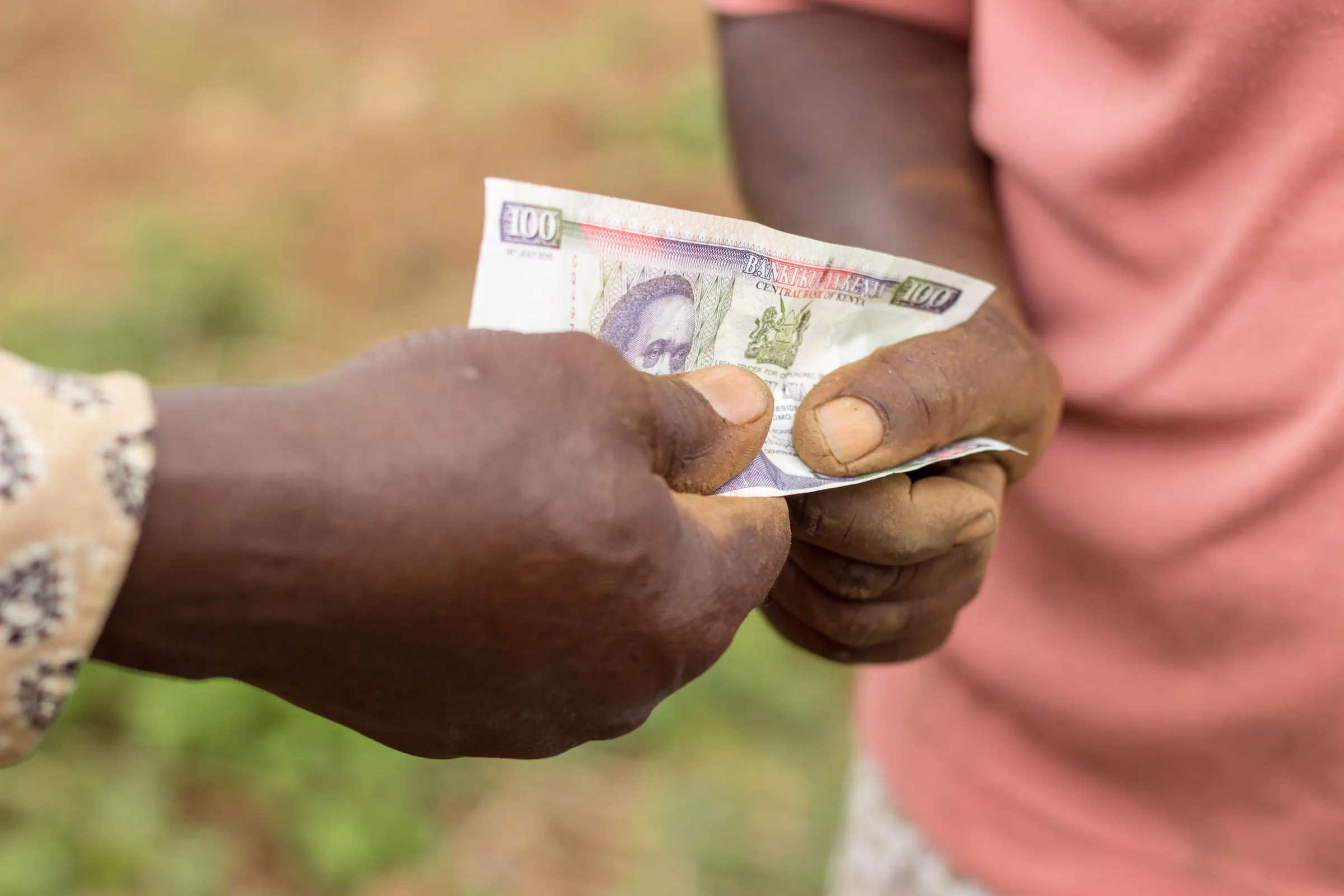
Record cash with change calculated for you, bank transfers with their reference, or split one sale across two methods, for example part cash and part M-Pesa. Every payment is stored against its sale.
Reconciled by payment mode
Each shift closes with expected totals for cash, M-Pesa and bank, and the sales by payment mode report shows what came in through each channel for any day, shift or branch. At month end the M-Pesa total in UruPOS lines up with your statement instead of a notebook.
Key capabilities
What you can do with M-Pesa & payments
-
M-Pesa STK push
The customer approves on their phone; the sale is marked paid automatically.
-
Automatic reconciliation
Each M-Pesa payment is stored with its reference against the sale.
-
Paybill and till payments
Record manual payments with their reference when customers prefer.
-
Cash and bank
Change worked out for cash; bank transfers recorded with a reference.
-
Split payments
Part cash, part M-Pesa on one sale.
-
Totals by payment mode
Per shift, per day and per branch.
Related features
Works well with
-
 Sell
Point of sale
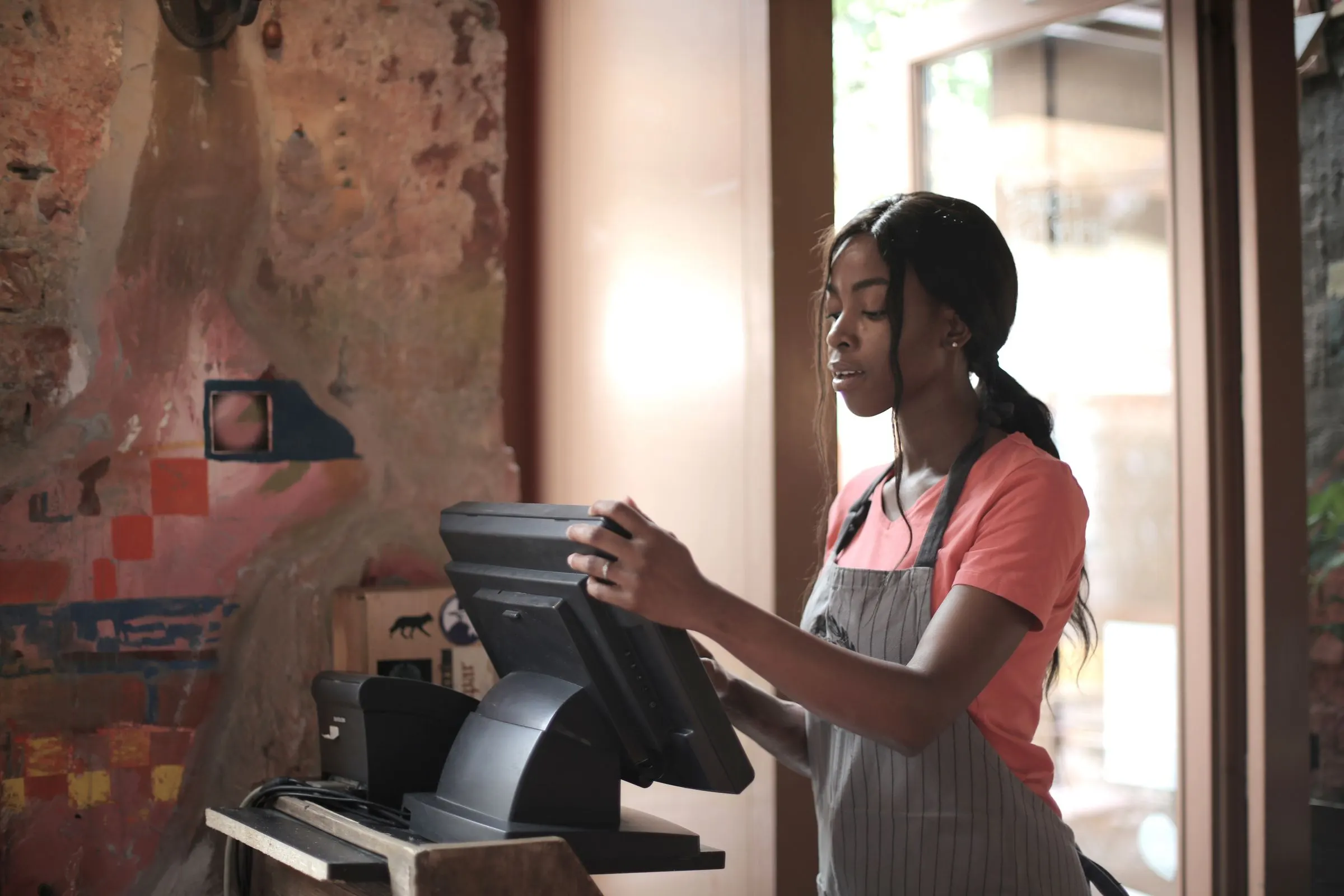
Find any item by name, SKU or barcode, apply a discount, take payment and print a receipt with your KRA PIN. The UruPOS point of sale system keeps selling when the internet drops and syncs when it is back.
-
 Cash control
Shift management
Open each shift with a float, count the cash at close and see expected, actual and variance side by side. UruPOS shift management asks for a reason for every variance and sends it to you for approval.
-
 Reports
See sales by payment mode, shifts, stock and Profit and Loss for any day, month or branch, and export to PDF or Excel. UruPOS business reports answer the questions an owner asks without opening a spreadsheet.
Who uses m-pesa & payments
Free demo
See m-pesa & payments running with products like yours
A short walkthrough with products like yours, on a call or at your shop. Book online, call or WhatsApp us and we will set a time that suits you.