Sell
A point of sale system that keeps the queue moving
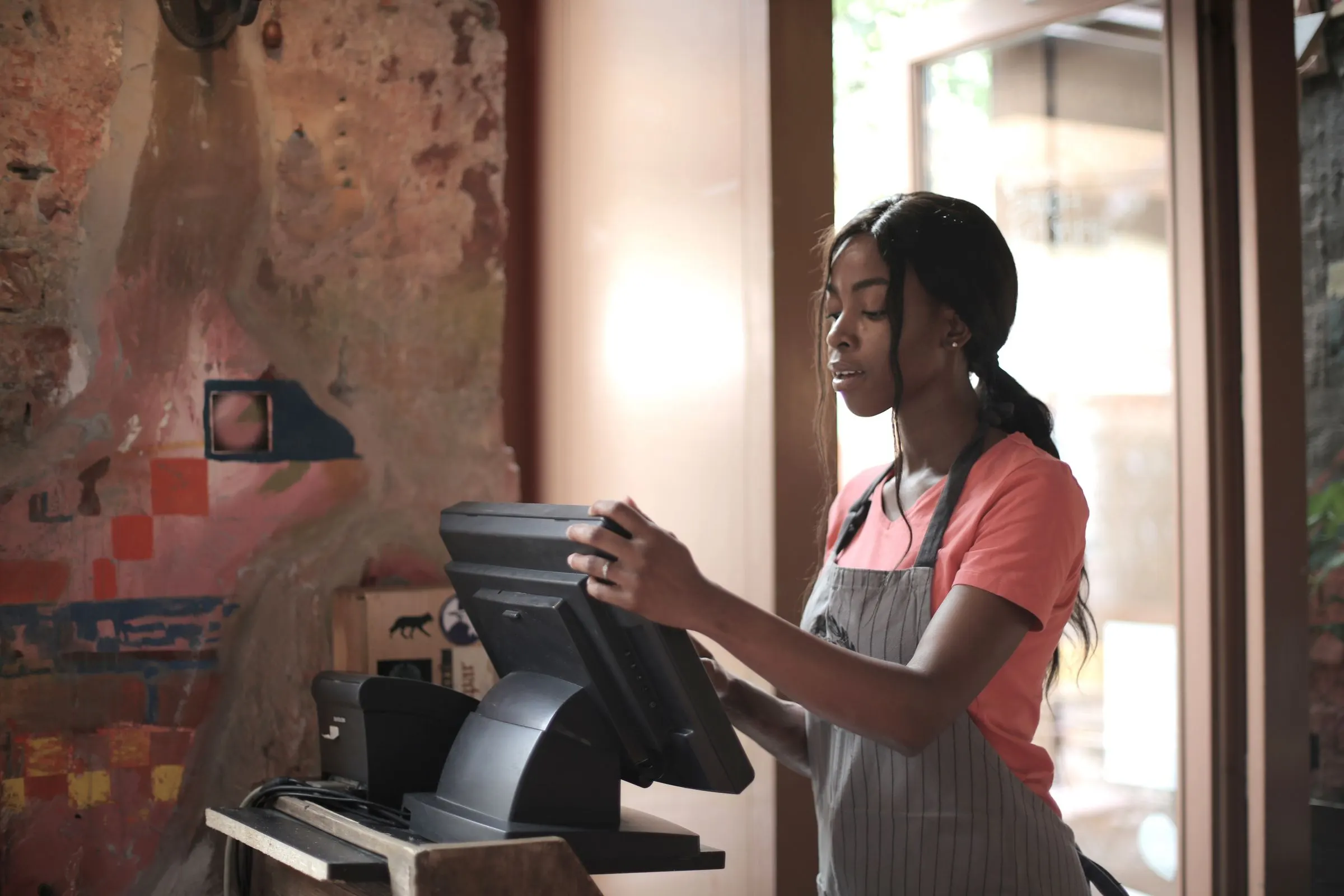
Find any item by name, SKU or barcode, apply a discount, take payment and print a receipt with your KRA PIN. The UruPOS point of sale system keeps selling when the internet drops and syncs when it is back.
Available on Lite, Regular and Pro · see pricing
The problem
What goes wrong without it
A slow till costs you twice: customers walk out of the queue, and cashiers under pressure skip steps. Prices get typed from memory, discounts are given without a record, and when the internet goes down the shop goes back to a notebook that nobody reconciles.
How UruPOS handles it
Built for a busy counter
The sales screen is made for speed. Scan a barcode or type a few letters of the name or SKU and the item is in the cart with its selling price. Change the quantity, apply a percentage or fixed discount to one line or the whole sale, and choose how the customer pays. Every discount is recorded against the cashier who gave it.
When a customer steps aside to fetch one more item, suspend the sale and serve the next person. Resume it a minute later exactly as it was.
Receipts that look like your business
Receipts print on standard 80mm thermal paper with your logo, business name, KRA PIN and footer text. Set them up once in branded documents and every till uses the same layout.
Keeps selling offline
Power cuts and patchy internet are part of trading in Kenya. If the connection drops, the sales screen keeps working and stores the sales on the device. When the connection returns they sync to your account, so stock and reports catch up without anyone re-entering anything.
On the device you already have
UruPOS runs in the web browser on a desktop, laptop, tablet or phone. Start with the computer at your counter and add a tablet or phone for a second till when you need it.
Key capabilities
What you can do with Point of sale
-
Search by name, SKU or barcode
Scan or type and the item is in the cart with the right price.
-
Percentage or fixed discounts
Per line or per sale, recorded against the cashier.
-
Suspend and resume sales
Park a sale, serve the next customer, pick it up again.
-
80mm receipts with your KRA PIN
Your logo, business details and footer on every receipt.
-
Works offline, syncs later
The sales screen keeps working when the internet drops.
-
Walk-in or named customers
Sell to walk-ins by default or pick a saved customer.
Related features
Works well with
-
 Payments
M-Pesa & payments
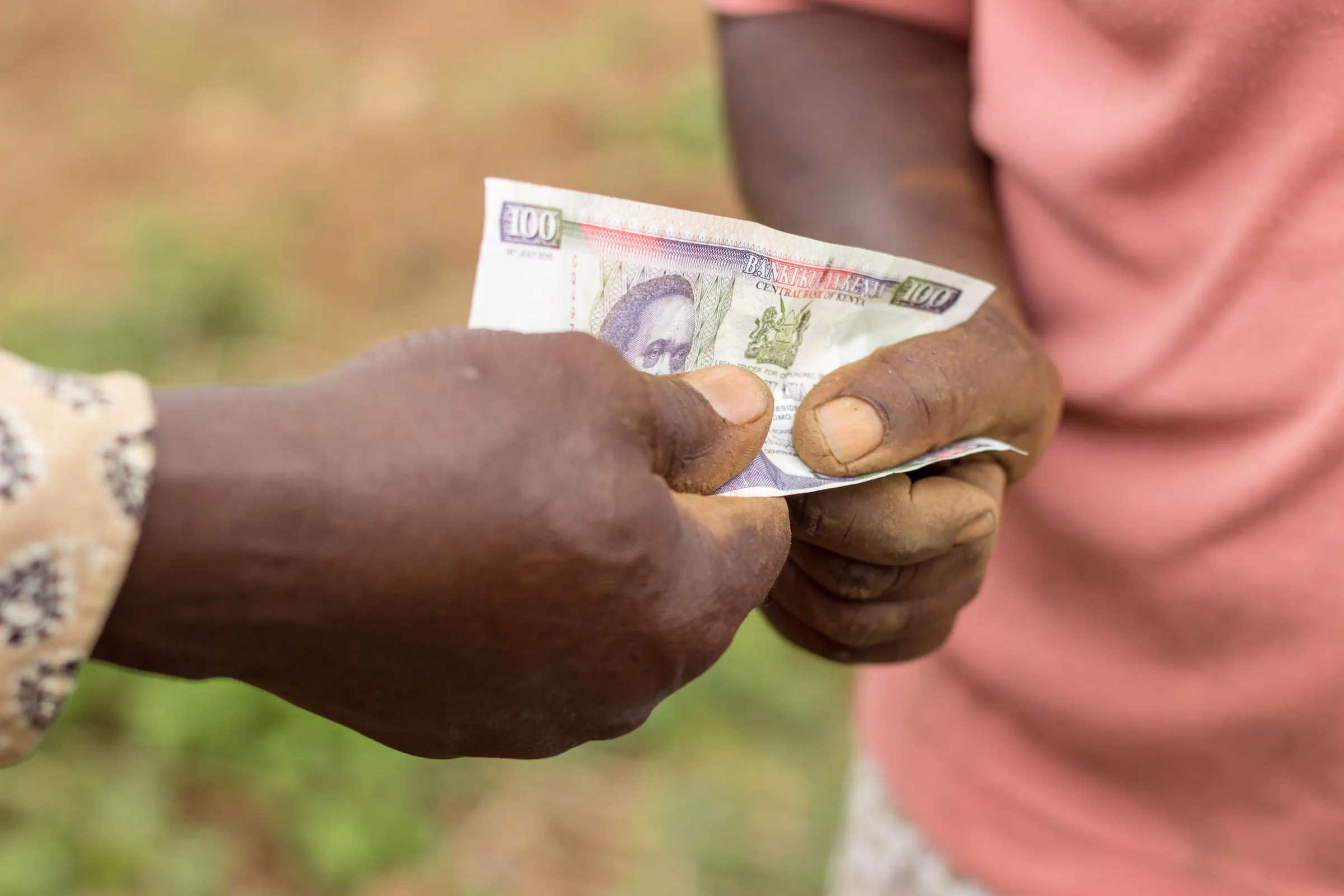
Send an M-Pesa STK push to the customer's phone from the till and the payment is matched to the sale automatically. UruPOS is an M-Pesa POS that records cash, paybill, till and bank payments on the same receipt.
-
 Cash control
Shift management
Open each shift with a float, count the cash at close and see expected, actual and variance side by side. UruPOS shift management asks for a reason for every variance and sends it to you for approval.
-
 Returns
Sales returns
Record sales returns against the original sale, put the item back into stock and refund through the right payment method. Every return is tied to a cashier and a shift, so returns can't become a quiet way to take cash.
Free demo
See point of sale running with products like yours
A short walkthrough with products like yours, on a call or at your shop. Book online, call or WhatsApp us and we will set a time that suits you.